
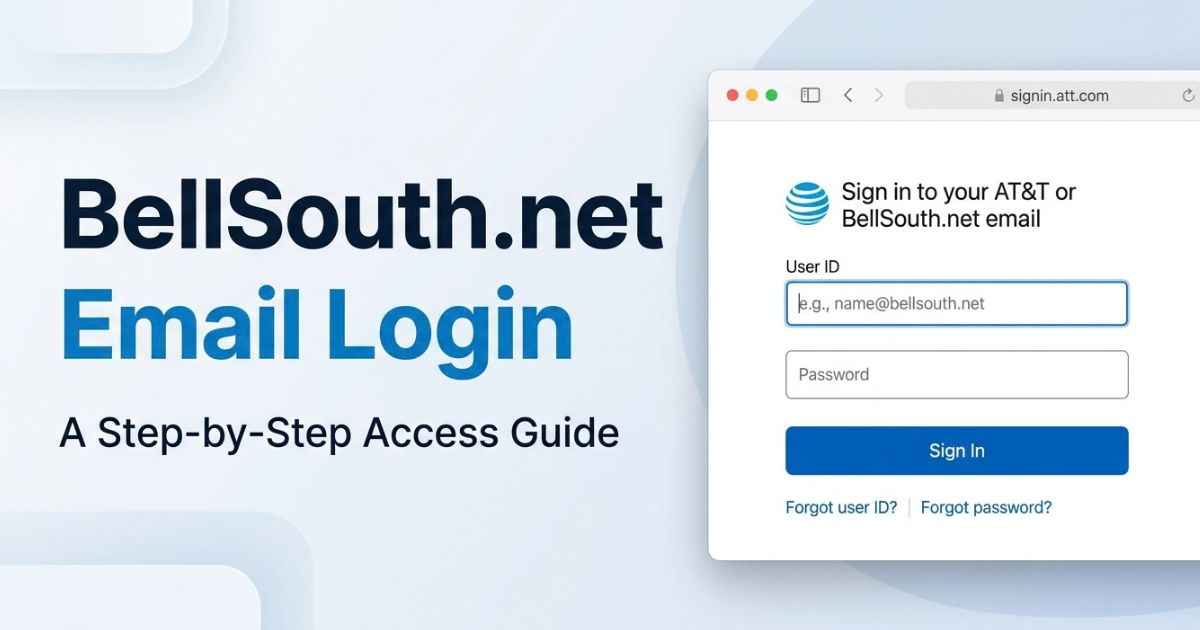
Want to open your BellSouth.net email? Go to the official AT&T BellSouth email login page. AT&T says eligible legacy accounts can still use their existing addresses through AT&T Mail.
Most problems fall into four groups: a wrong password, a locked account, a lost recovery phone number, or an app that will not sign in. A fifth group is different. Sometimes you can log in, but messages will not send. This guide shows how to tell these apart and what to try first.
Current checks
These details can change, so check them before you rely on them.
| Item | What the research shows |
|---|---|
| Official login page | more.att.com/login/bellsouth-email |
| Who can use it | Eligible legacy BellSouth.net accounts |
| Support number listed by AT&T on its BellSouth page | 800.288.2020 |
| AT&T secure mail key guide | Last updated February 23, 2026 |
| AT&T password reset guide | Last updated March 24, 2026 |
How to log in to BellSouth.net email
BellSouth is now part of AT&T. That is why the login page sits on an AT&T site. Use the official page, not an unknown login site.
- Open the official AT&T BellSouth email page.
- Type your full BellSouth.net email address.
- Type your password and sign in.
AT&T says you can sign in with your existing address and password. The search results also show Currently.com as another way to reach webmail.
What if the login page does not open?
First, try a different browser. AT&T lists browser problems as one cause of email trouble. It also suggests checking cookies and cache. Cookies and cache are small files your browser saves. Old ones can sometimes get in the way.
If the page still fails, move on to the fixes below.
Is BellSouth.net email still active?
For eligible accounts, yes. AT&T says eligible BellSouth.net users can keep sending, receiving, and managing email with their existing addresses.
The word “eligible” matters. AT&T does not say every old account works. So an old address is not guaranteed to be active. A login error also does not prove your account is gone.
What happened to BellSouth?
AT&T’s page confirms that AT&T bought BellSouth in 2006. The old BellSouth.net addresses did not simply vanish. Eligible users now reach them through AT&T Mail.
How to fix BellSouth.net email login problems
Start by finding out which problem you have. The right fix depends on it.
| What you see | Likely group | Where to go |
|---|---|---|
| Password is rejected | Wrong or forgotten password | Check your details, then reset |
| Error after many tries | Locked account | Follow AT&T’s unlock steps |
| Reset needs a phone you no longer have | Lost recovery access | See the section below |
| Webmail works, app fails | App sign-in problem | See the app section |
| You can log in, but mail will not send | Delivery problem | See the sending section |
Check your email address and password
Type the full address, including bellsouth.net. Then type the password slowly. Do not keep guessing over and over. AT&T says too many tries can lock an account.
Reset a forgotten password
AT&T publishes a password reset guide. The process asks you to identify your account and then use a verification method. Follow the steps on AT&T’s own page. Do not use a reset link from an email or site you do not know.
Resetting does not work for everyone. One Reddit user in August 2025 said, “My password isn’t working and it can’t be reset.” That is one person’s report. It does show that some people need extra help. If that is you, jump to the support section.
What to do if AT&T locks your account
AT&T says some login error codes mean the account was locked. AT&T says repeated incorrect sign-in attempts can lock an account. An inactive-account message is different: AT&T says it means the account was flagged for sending excessive spam.
The official steps depend on the error. They include waiting, resetting your password, or contacting support. Check the AT&T account unlock guide for the error you see.
Troubleshoot browser errors
AT&T’s troubleshooting page gives two simple tests:
- Try another browser.
- Check your cookies and cache.
If another browser works, check your original browser’s cookies and cache. If neither browser works, continue with the account and password checks.
Recover access when your old phone number is gone
This is a common problem with old accounts. One Reddit user in August 2026 described a 40-year-old account. The recovery phone number was one “that I haven’t had for years.”
The research did not find an official AT&T guide for this exact case. So we cannot promise a fix. The best next step is to contact AT&T using the official contact details in the section below. Be honest about what you can and cannot confirm. Recovery may not always be possible.
BellSouth.net email not working on an iPhone or in Outlook
Sometimes webmail works, but your phone or desktop app will not sign in. One Reddit user said a new password worked online. Their iPhone Mail app still said it was incorrect and could not be verified.
So a good browser login does not prove your app is set up right. Apps sign in in different ways. AT&T explains two of them.
OAuth and secure mail keys
OAuth is a newer way for an app to sign in to your account. AT&T recommends OAuth-compatible apps when you can use one.
Some apps do not work with OAuth. For those, AT&T says you need a secure mail key. A secure mail key is a 16-character code. It is not your normal password. AT&T also says it does not replace the password you use for webmail.
AT&T says you need a separate secure mail key for each email account or subaccount that uses a non-OAuth app. AT&T also says secure mail keys never expire. But it deletes them when it locks or blocks an account, so you must create new keys afterward.
| Webmail in a browser | Email app | |
|---|---|---|
| What you use | Your email address and password | OAuth, or a secure mail key if the app cannot use OAuth |
| If it fails | Check password, lock, browser | Check the app’s sign-in method |
The right sign-in method depends on your Outlook version. AT&T lists Outlook Mobile as OAuth-compatible, but its guide lists Outlook 2010, 2013, 2016, and 2019 as apps that need a secure mail key. Read AT&T’s guides on OAuth and secure mail keys and creating a secure mail key. They are better than copying server settings from a random page.
Why BellSouth emails are not sending or arriving
Login trouble and delivery trouble are not the same thing. You can sign in fine and still have a message bounce back.
Two Microsoft Q&A threads from January 2025 show this. One person used Outlook and got repeated “Connection refused” errors. Another person said several recipients could get mail from others but not from them. Their error said, “Your message wasn’t delivered.”
These are reports from individual users. They do not prove an account was closed. A connection error alone does not mean the other person deleted their BellSouth.net email.
AT&T recommends checking your Outbox, your internet connection, and the recipient address when messages will not send.
| Problem | What to check |
|---|---|
| Message sits in the Outbox | Your app’s sign-in method |
| Message bounces back | Read the error text and note who rejected it |
| Only some people reject you | Tell AT&T support which addresses fail |
| Mail seems missing | Look in the spam folder and check blocked addresses |
What about unwanted mail?
Spam is a separate issue from login trouble. One Apple Community user reported receiving lots of unwanted emails every day, despite blocking senders and changing their password. That report does not establish why the spam continued. If spam is your issue, do not treat it as a login failure.
How to contact official BellSouth email support
Use contact details from AT&T. AT&T’s BellSouth page lists 800.288.2020 for email help. Check the official page before you call, in case it has changed.
Do not use phone numbers from forums or unknown sites. Use the account recovery pages first for password problems. Contact support when those steps fail, or when you have a locked account, a lost recovery phone, or repeated delivery errors.
Frequently asked questions
How do I access my BellSouth.net email?
Go to the official AT&T BellSouth email login page. Enter your full BellSouth.net address and your password. AT&T says eligible legacy accounts can sign in this way.
Is BellSouth email still active?
For eligible accounts, yes. AT&T says eligible users can keep sending, receiving, and managing mail with their existing addresses. Not every old account is guaranteed to work.
What happened to BellSouth.net email accounts?
AT&T bought BellSouth in 2006. Eligible BellSouth.net accounts are now reached through AT&T Mail. You sign in with your existing address.
Why is my BellSouth.net email not working?
The cause could be a wrong password, a locked account, a browser problem, or an app sign-in problem. Delivery errors are another possible cause. Use the table in this guide to find your group first.
How do I reset my BellSouth email password?
Use AT&T’s official password reset guide. You will identify your account and use a verification method. Follow the steps on AT&T’s own page.
What is a secure mail key?
It is a 16-character code that some email apps need. AT&T says it is for apps that do not work with OAuth. It does not replace your webmail password.
Why does my password work online but not in Outlook?
Webmail and apps can sign in in different ways. The right sign-in method depends on your Outlook version. AT&T lists Outlook Mobile as OAuth-compatible, but its guide lists Outlook 2010, 2013, 2016, and 2019 as apps that need a secure mail key. Check AT&T’s guides on both.
How do I contact official BellSouth email support?
AT&T’s BellSouth page lists 800.288.2020 for email help. Check the official page for the latest details before you call.
You May Find These Interesting:
TablesProWorld com: What It Is and Is It Legit?