
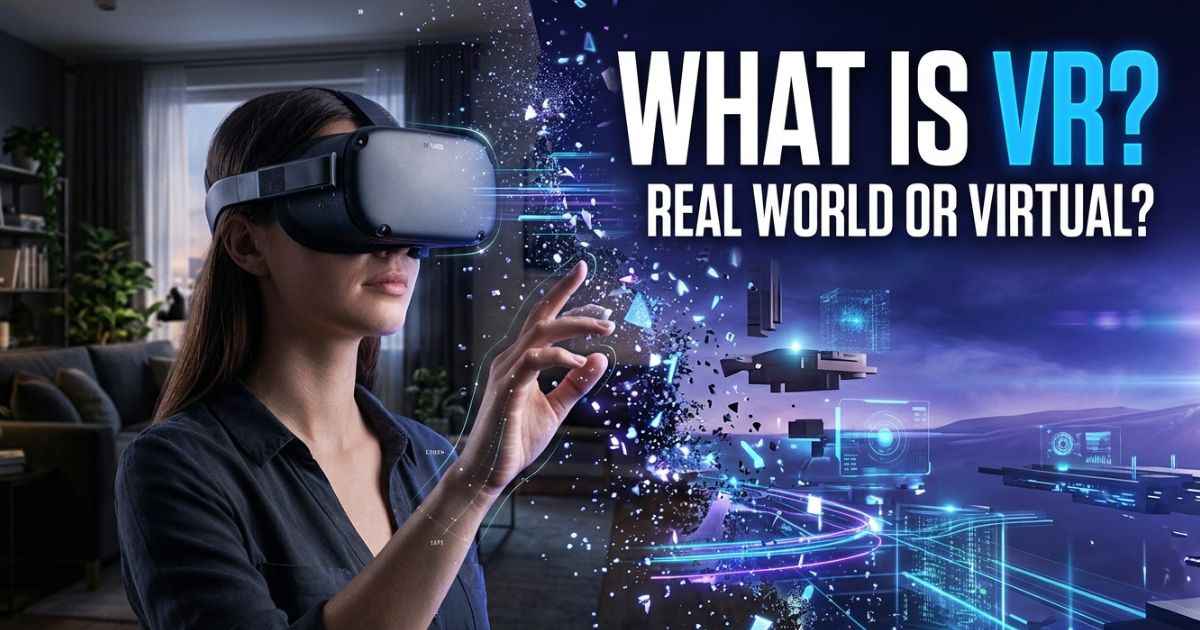
What is virtual reality? Virtual reality (VR) is a technology that creates a computer-generated 3D environment you can explore and interact with. Most VR experiences use a headset that shows digital surroundings and tracks your movements. That makes it feel as if you are inside another place.
Picture turning your head and watching a virtual room turn with you. You can look around, reach out, and use objects that are not really there. VR is not only for games. Healthcare, learning, and design use it too. It can also make some people feel sick or uncomfortable, so this guide covers both sides.
What Is Virtual Reality?
Virtual reality is a simulated, three-dimensional world made by a computer. “Simulated” means it copies a place or a situation. The place is not real, but it can look and feel like it is.
Think about watching a normal video. The picture stays on a flat screen, and you just watch. VR is different because the view changes when you move. You feel like part of the scene instead of an outsider.
You also do things in VR. You can pick up a virtual object, press a virtual button, or look around a virtual room. The computer reacts to what you do.
What Does Using VR Feel Like?
Picture putting on a headset. The real room fades from view, and a virtual room appears. You turn your head to the left, and the view turns left too. You look down and see a virtual floor. You reach out a hand, and a virtual hand reaches out with you.
This works because the system gives your senses new information. The Virtual Reality Society explains that VR depends on sensory information and how we notice the world around us. The technology company Unity describes the result as a sense of presence. That means feeling like you are really there.
How Does Virtual Reality Work?
A VR system has a few key parts that work together. For headset-based VR, most systems use a headset, tracking technology, and controllers or hand tracking. Desktop VR can also work on a regular computer. Every system also needs software. Software is the program that builds the virtual world.
VR Headset and Displays
The headset is called a head-mounted display, or HMD. You wear it over your eyes. It shows digital images right in front of them. In fully immersive mode, the virtual world fills your view. Some headsets also offer passthrough, which lets you see your physical surroundings.
Unity explains that the headset presents virtual images to your eyes. Everything else in the system builds on this first step.
Motion Tracking
Motion tracking means the system follows how you move. Head and body movements can be tracked. The IEEE Technology Navigator says this tracking can change your view or how you interact with the environment.
Here is a simple example. When you look up, the headset updates your view to show what is above you. The match between your movement and the picture is what helps the world feel real.
Controllers and Hand Tracking
Controllers let you interact with digital objects. You hold them and use them to point, grab, or press. The system shows your actions inside the virtual world.
Hand tracking is another way to interact. The idea is the same: the system follows your hands, and the virtual world responds.
Spatial Audio and Haptic Feedback
Spatial audio is sound that seems to come from a certain direction. If a sound is on your left, you hear it on your left. Unity says this helps create the feeling of being inside the virtual place.
Haptic feedback adds physical sensations. It can use vibration or other kinds of feedback. Together, sound and touch can make an experience feel more real.
What Are Some Examples of Virtual Reality?
Here is what VR can look like in real life:
- Exploring a virtual museum.
- Playing an immersive game.
- Practicing in a training simulation.
- Visiting a simulated environment.
- Exploring a virtual design or building.
The Smithsonian American Art Museum has a VR experience called Beyond the Walls. It lets visitors explore museum galleries using a headset and controller.
“Immersive” means the experience surrounds you and pulls you in. These examples come from learning, training, healthcare, and entertainment. The next section looks at each area.
What Is Virtual Reality Used For?
Is VR only for gaming? No. Games are one use. Official sources describe others.
Gaming and Entertainment
In a VR game, you stand inside the game world. You look around and use controllers to act. Entertainment is one of the most common uses of VR.
Education and Training
The University of Waterloo describes VR as a way to create alternate environments for learning and collaboration. Collaboration means working together. A training simulation lets people practice in a virtual setting. A virtual place can also bring learners together in one shared space.
Healthcare and Rehabilitation
The U.S. Food and Drug Administration (FDA) has a page on augmented reality and virtual reality in medical devices. It documents VR uses for treating PTSD and for rehabilitation after a stroke or other conditions. PTSD is post-traumatic stress disorder. Rehabilitation means helping a person recover skills or movement.
This shows VR can be more than entertainment. It has real medical uses.
Architecture and Design
VR can help people explore a design. For example, someone can walk through a virtual building and look around. This lets people see a space from the inside.
What Are the Different Types of Virtual Reality?
Are all VR experiences the same? No. People often sort them into three groups. These groups are useful descriptions, not one official system. Different authors and groups may use different definitions.
| Type | In simple terms |
|---|---|
| Non-immersive | You view a virtual world on a normal screen. |
| Semi-immersive | The virtual world fills part of your view or surroundings. |
| Fully immersive | A headset shows the virtual world all around you. |
Headset-based immersive VR is a familiar form of VR, but virtual reality also includes desktop and simulator experiences.
What Is the Difference Between VR and AR?
AR stands for augmented reality. Both are related, but they work differently. The FDA explains that VR presents an artificial environment, while AR adds digital information to the physical one.
| Virtual reality | Augmented reality |
|---|---|
| Creates a simulated environment | Adds digital content to the real world |
| Often uses a headset | Can use phones or special glasses |
| Focuses on virtual surroundings | Keeps the physical surroundings visible |
| Example: exploring a virtual museum | Example: digital information shown over what you see through a phone |
Does VR Always Block the Real World?
Not always. Some systems have a feature called passthrough. Meta explains that passthrough uses external cameras to show your physical surroundings while you wear a VR headset. Mixed reality (MR) combines real surroundings with digital objects. These objects can connect to physical locations and respond to your actions.
You may also see the term extended reality (XR). It is an umbrella term for VR, AR, and MR. So a headset does not always hide the room around you.
What Are the Advantages and Disadvantages of Virtual Reality?
VR has clear strengths. It also has limits. Both matter if you are deciding whether VR fits your needs.
Advantages of VR
- Immersive experiences. You feel inside the scene instead of watching it.
- Simulated practice. People can practice tasks in a virtual setting.
- Interactive learning. Learners can act inside a lesson, not just read about it.
- Access to simulated environments. You can visit places or situations that are hard to reach in real life.
Disadvantages of VR
- Motion sickness for some users. Some people feel nausea or dizziness.
- Headset discomfort. Some new users complain about weight, pressure, and tight straps.
- Equipment and setup. Headset-based VR needs suitable hardware and software. Desktop VR can use a regular computer.
- Need for space. The CDC advises making sure the play area is free of obstacles. CDC OneLab guidance recommends a minimum space of 6 by 6 feet for VR activities. It also notes that stationary options are available.
- Limits compared with real life. A virtual experience is still a simulation.
Can Virtual Reality Cause Motion Sickness?
Yes, it can for some people. Motion sickness is the feeling of being sick when your eyes and body seem to disagree about movement. The VR-related form is often called cybersickness or VR sickness. Some sources also use the term simulator sickness.
A 2025 systematic review examined 25 studies of fully immersive VR. A systematic review means researchers gather and compare many studies. Eye-related problems were the most reported negative effects, followed by disorientation. However, 12 studies found very low or inconsistent sickness scores. Of the eight studies that assessed discomfort, five reported minimal or inconsistent discomfort.
Real users describe similar problems. In Reddit discussions, people mention nausea, headaches, dizziness, and a heavy feeling from the headset. These are personal stories, not a survey of all VR users.
Do people get used to it? Some Reddit users say they became more comfortable over time. Others say symptoms continued. Nobody can promise you will adapt.
The CDC’s OneLab guidance offers these steps:
- Take breaks.
- Check that the headset fits well.
- Make sure the play area is free of obstacles.
- Think about glasses and visual comfort.
- Be aware that some people are more sensitive to motion.
If you feel unwell, stop and rest. Reddit tips can be interesting, but they are not medical advice.
Current Checks
Some details change fast. This guide does not list them on purpose.
| Detail | What to do |
|---|---|
| Headset models and prices | Check the maker’s official website before you buy. |
| Features and software support | Check the official product page for your device. |
| Healthcare examples | Check the FDA page for updates. |
| Safety and motion sickness research | Check the CDC and recent research for updates. |
Frequently Asked Questions About Virtual Reality
What Is Virtual Reality in Simple Words?
Virtual reality is a computer-made 3D world you can look around in and interact with. You usually wear a headset that tracks your movements. When you move, the view changes. That is why it feels like you are somewhere else.
Is Virtual Reality Only for Gaming?
No. Gaming is one use, but it is not the only one. The FDA documents VR uses for PTSD treatment and rehabilitation. The University of Waterloo describes VR as a way to create environments for learning and collaboration.
Is VR Healthy for Your Brain?
The research in this guide does not show that ordinary VR use helps or harms the brain. It does show that some people report problems. A 2025 systematic review examined 25 studies of fully immersive VR. Eye-related problems were the most reported negative effects, followed by disorientation.
A May 2026 systematic review included 10 randomized trials with 749 older adults. It found that VR-based training may improve global cognitive function. This concerns older adults and specific training programs. It does not prove that ordinary VR use improves everyone’s brain health. Take breaks and stop if you feel unwell.
Why Is VR Not Popular Anymore?
This guide has no sales numbers, so it cannot say how popular VR is. In one discussion about why VR stays a niche technology, users named comfort and motion sickness as barriers. Their point was simple: if you feel sick, you will take the headset off.
Does Motion Sickness Go Away After Using VR?
It depends on the person. Some Reddit users say they felt better with time. Others kept having symptoms, and one person described feeling slightly nauseous for about a week. No source here shows that everyone adapts.
Does VR Cause Motion Sickness?
It can for some people. Reported effects include nausea, dizziness, headaches, and disorientation. A 2025 systematic review examined 25 studies of fully immersive VR. Eye-related problems were the most reported negative effects, followed by disorientation. However, 12 studies found very low or inconsistent sickness scores. Not everyone has these problems.
Conclusion
Virtual reality is a computer-generated 3D environment you can explore and interact with. A headset shows you the virtual world. Tracking, controllers, and spatial audio help it respond to you and feel real.
VR has useful applications. These include games, learning, healthcare, and design. It also has limits, like motion sickness, headset discomfort, and the need for open space.
If you are new to VR, expect an experience that feels very different from watching a screen. Start slowly, take breaks, and stop if you feel unwell.
You May Find These Interesting:
What Is Augmented Reality?
Troozer.com: What It Is, What It Offers, and Whether It’s Legit