
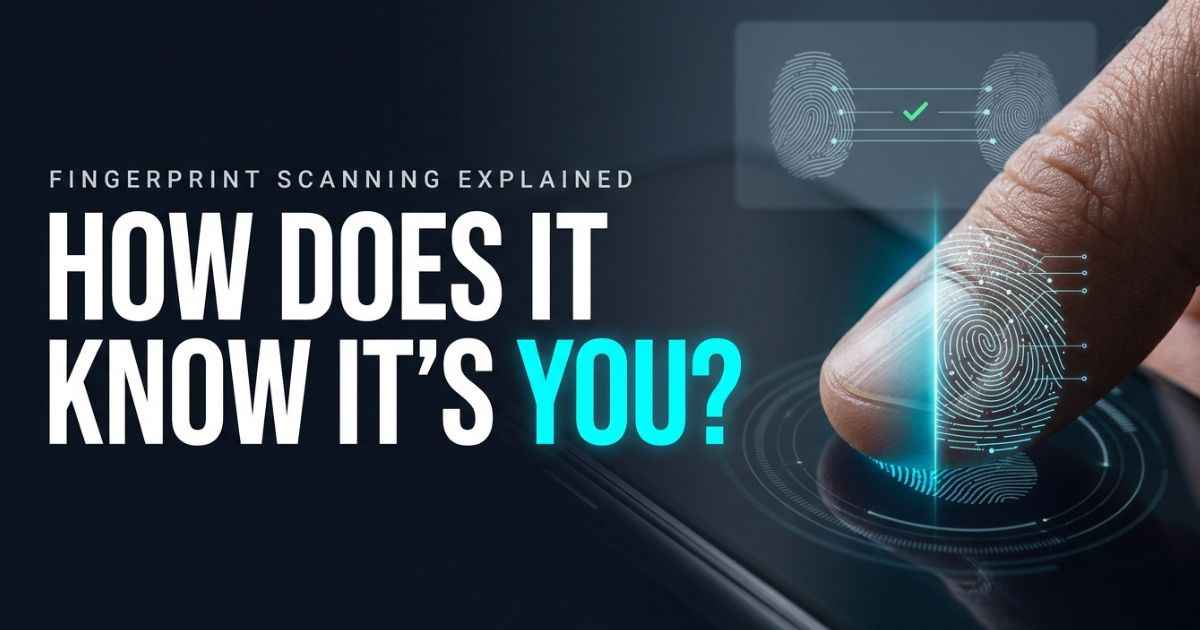
How does fingerprint scanning work? A sensor reads the pattern on your fingertip. Software turns that pattern into data. Then the device compares it with the print you saved earlier. If the two are close enough, it unlocks.
But two scans of the same finger are never exactly alike. So how does the device know they match? And what does your phone actually keep? This guide answers both questions in plain words.
How Does Fingerprint Scanning Work?
NIST is a US standards agency. It splits fingerprint technology into three parts: image capture, feature extraction, and matching. Those three parts are the core of every scan.
Before any of that can happen, you must add your finger to the device. So here is the full path in four steps.
Step 1: Register your fingerprint
First, you set up your finger. This is called enrollment. The device scans your finger and saves a reference to compare against later.
Android calls these saved references enrolled templates. Think of it like giving a front desk a sample of your signature. Later, staff compare every new signature to that sample.
Step 2: The sensor captures your fingerprint
Next, you touch the sensor. On Android, the sensor waits for a touch. When it feels one, it reads your finger.
The sensor does not read your whole finger like a person would. It reads the pattern of lines on the skin. Different sensors do this in different ways. You will see how in the sensor section below.
Step 3: The system extracts fingerprint features
Now the software looks for small details in that pattern. These details are called features. The UK National Cyber Security Centre (NCSC) says systems can look at ridge endings and bifurcations. A bifurcation is a spot where one ridge splits into two.
Together, these details are called minutiae. They work like landmarks on a map. The software looks for key points, such as ridge endings and splits. It may also examine the number of ridges between those points.
Step 4: The new scan is compared with the saved template
Last, the device compares your new scan with the saved template. Android’s older Fingerprint HIDL documentation describes a vendor-specific library that compares enrolled templates. It then passes the result to FingerprintService. A vendor-specific library is software that talks to the device’s fingerprint hardware.
However, HIDL has been deprecated since Android 13. Newer Android authentication flows use BiometricPrompt and hardware-backed security components.
The device does not ask, “Are these identical?” It asks, “Are these close enough?” That line is called a threshold. If the match passes the threshold, the device unlocks. If not, it says no.
What Does a Fingerprint Scanner Actually Read?
A scanner reads the small pattern on your fingertip. It then turns that pattern into data it can compare.
Ridges, valleys and minutiae explained
Your fingertip has raised lines called ridges. The low spaces between them are valleys. The NCSC says systems can use details such as ridge endings and bifurcations.
Those details are the minutiae. A ridge may stop. A ridge may split. The place where that happens, and how those spots relate to each other, helps tell one finger from another.
Why two scans do not need to match pixel for pixel
One Reddit poster asked how a database could ever find a “pixel to pixel match.” That is a fair question. You never press your finger in exactly the same spot twice.
The answer is that scanners do not need a perfect copy. NIST explains that biometric measurements vary from one try to the next. So systems use a threshold. A scan only has to be close enough to the saved template.
Optical vs. Capacitive vs. Ultrasonic Fingerprint Scanners
The three common sensor types capture a fingerprint in different ways. The NCSC describes all three. Android Authority also explains them for phones.
| Sensor type | What it uses | What the sources say |
|---|---|---|
| Optical | Visible light | Captures a fingerprint image. Some in-display designs combine optical imaging with capacitive sensing. |
| Capacitive | Electrical current through the finger | Apple says Touch ID uses capacitive sensing. |
| Ultrasonic | High-frequency sound waves | Android Authority covers it as another phone option. |
How optical fingerprint scanners work
An optical scanner uses visible light. It reads your finger much like a tiny camera would read a pattern. The sensor then passes that reading on to the software.
How capacitive fingerprint scanners work
A capacitive scanner uses a small electrical current. The NCSC says the current is conducted through the finger. Ridges and valleys affect that current in different ways. The sensor reads those differences.
How ultrasonic fingerprint scanners work
An ultrasonic scanner uses sound waves too high for people to hear. The waves bounce off the finger. The sensor reads the returning waves to map the pattern.
Android Authority also covers in-display scanners. These sit under the phone screen instead of on the back or side.
Does a Fingerprint Scanner Store Your Actual Fingerprint?
The answer depends on the device. Apple says Touch ID stores a mathematical representation of your fingerprint. It says it does not store images of the finger itself.
That is a claim about Touch ID. It is not a rule for every scanner. Other systems may handle data in other ways.
| System | What the source says |
|---|---|
| Apple Touch ID | Stores a mathematical representation, not images of the finger. |
| Android | Documents enrollment, enrolled templates, and trusted processing. |
| NIST (general guidance) | A biometric sample can include a record with a fingerprint image. The guidance also covers templates and how to protect them. |
Fingerprint image vs. biometric template
A fingerprint image is a picture of the pattern. A biometric template is a saved set of details built from that pattern. Many device systems use a template for matching.
The exact data handling depends on the device and how it was built. So when you ask this question, name the device. “What does my phone store?” has a clearer answer than “What do scanners store?”
How Apple Touch ID and Android protect fingerprint data
Android documents trusted processing and other protections around biometric checks. Its fingerprint guidance says raw fingerprint images and processed features must stay protected by secure hardware, such as a Trusted Execution Environment (TEE). In plain words, the fingerprint sensor is part of a larger security system. It is not just a camera.
Apple also ties Touch ID security to the Secure Enclave. That is a protected part of the device. Apple says Touch ID data is encrypted and never stored on Apple servers or backed up to iCloud. Both examples show the same idea. Where the data is handled matters.
How Accurate and Secure Are Fingerprint Scanners?
Accuracy has more than one meaning. A scanner can fail in two different ways. Security is a separate question.
False matches vs. false rejections
NIST names both kinds of mistakes.
| Mistake | What it means |
|---|---|
| False match | The scanner accepts someone who should not get in. NIST calls the rate of this the false match rate (FMR). |
| False non-match | The scanner rejects the real owner. NIST calls the rate of this the false non-match rate (FNMR). |
The threshold controls how these two mistakes trade off. NIST sets a 1-in-10,000 false match requirement in its own digital identity guidance. That number belongs to those rules and conditions. It is not the accuracy of every phone, laptop, or door reader.
HP gives a general estimate that modern laptop scanners typically have a false acceptance rate of 1 in 100,000 attempts. Apple reports a 1-in-50,000 chance of a false match for Touch ID with one enrolled finger. These figures have different scopes. So do not mix them into one claim about all scanners.
Can someone fool a fingerprint scanner?
Yes, attacks are possible. The NCSC describes attempts to make false fingerprint copies, called artefacts. It says the copy has to work with the sensor being targeted.
NIST also warns that fingerprints are not secrets. People leave latent prints on things they touch. These are faint marks left on objects. NIST says presentation-attack detection can reduce some risks. That means the system tries to tell a real finger from a fake one.
So fingerprint login is helpful, but it has limits. No source here says a scanner can never be fooled.
Why Does a Fingerprint Scanner Sometimes Stop Working?
Sometimes a scanner rejects your real finger. That is a false non-match. The cause can be your finger, the sensor, or the software.
Wet, dry, dirty or injured fingers
HP lists several conditions that can affect a scan. These include wet, dirty, cut, dry, and damaged skin. One Galaxy S23 owner reported an error that asked them to keep the sensor clean and dry.
Try a clean, dry finger first. It is a simple check.
Under-display sensors and screen-related problems
Several Android users on Reddit describe mixed results with under-display readers. They mention missed unlocks and having to register a finger again. Some prefer older physical readers.
These are personal reports about certain models. They do not prove that all under-display scanners are worse. Do not treat one person’s phone as the rule for every phone.
When to re-register a finger or check device support
Some users on Microsoft Q&A say their Windows fingerprint readers stopped working after a restart or an update. They tried registering the finger again and updating drivers. One user restored function for a while by restarting a Windows service.
Those are user reports, not official fixes. Here are reasonable next steps:
- Clean the sensor and your finger. Microsoft recommends using a lint-free cloth on the reader.
- Try a different finger placement.
- Register the finger again. Microsoft also recommends registering different finger angles.
- Restart the device.
- Check your maker’s support pages for exact steps.
- Keep a PIN or password as a backup way in.
Current Checks
Some details change over time. Check these before you rely on them.
| Detail | What to check |
|---|---|
| Which phones use optical, capacitive or ultrasonic readers | Review the phone model’s own specs. |
| In-display scanner behavior | Check the maker’s notes for your model. |
| Windows fingerprint setup and fixes | Check Microsoft’s current support pages after big Windows updates. |
| Touch ID storage and security statements | Check Apple’s current documentation. |
| NIST accuracy guidance | The current page is SP 800-63B-4. |
Fingerprint Scanning FAQs
How does a phone scan your fingerprint?
The phone’s sensor waits for a touch. It captures your fingerprint pattern. Software pulls out key details and compares them with the template you saved during setup. If they are close enough, the phone unlocks.
Does a fingerprint scanner save a picture of my finger?
It depends on the device. Apple says Touch ID stores a mathematical representation, not images of the finger. Other systems may work differently, so check your maker’s security page.
How accurate are fingerprint scanners?
There is no single number for all scanners. NIST describes two kinds of errors. A false match accepts the wrong person. A false non-match rejects the right person. Each product has its own results.
Why does my fingerprint scanner keep rejecting my finger?
Wet, dirty, cut, dry, or damaged skin can cause problems, according to HP. A dirty sensor can also cause trouble. Registering the finger again is one thing users report trying. Your maker’s support pages give the right steps for your device.
Can a fake fingerprint unlock a phone?
Attacks are possible. The NCSC describes false fingerprint copies and says they must suit the sensor. NIST says presentation-attack detection can help reduce some risks. No scanner should be called impossible to fool.
Is my fingerprint stored on my phone or sent to the cloud?
The sources we used do not answer this for every device. Apple explains how Touch ID stores its mathematical representation. It also says Touch ID data is never stored on Apple servers or backed up to iCloud. Android documents trusted processing for biometric checks. Read your own maker’s security page for your model.
Is fingerprint unlocking the same as police fingerprint identification?
No. NIST describes verification as a 1:1 check and identification as a 1:N search. Phone unlocking checks the new scan against fingerprints enrolled on that device. It is not the same as searching a large fingerprint database.
You May Find These Interesting:
What Is Facial Recognition Technology? A Simple Guide
What Is Virtual Reality? How It Works, Examples, Uses, and Pros and Cons